What Z.A.I.D.A can do
A personal AI assistant that runs on your own Mac. Talk to it or type in plain language. No exact commands are needed, and the AI models never send your conversations to a cloud service.
- Runs locally on Apple Silicon
- 6 languages: English, Swedish, German, French, Spanish, Italian
- Voice in, voice out
- Use it from your iPad or phone on the same Wi-Fi
Create
Generate images, documents, audio and video from a short description.

Image generation
Turn a description into an AI image, or repaint one of your own photos in a new style.
"A lighthouse at dusk, oil painting"
PowerPoint presentations
Researches the topic and builds a downloadable .pptx with images on every slide.
"Make a presentation about AI"
Reports
Structured reports with source citations, downloadable as a Word document.
"Write a report about climate change"

Infographics
A wide visual summary with a headline number, stat cards, key insights and charts.
"Create an infographic about space exploration"
Music
Generate songs with your own lyrics, or instrumental tracks from a mood or genre.
"Generate an upbeat lo-fi beat"
Podcasts
Turns the documents in a folder into a natural two-voice conversation, read aloud.
"Generate a podcast"
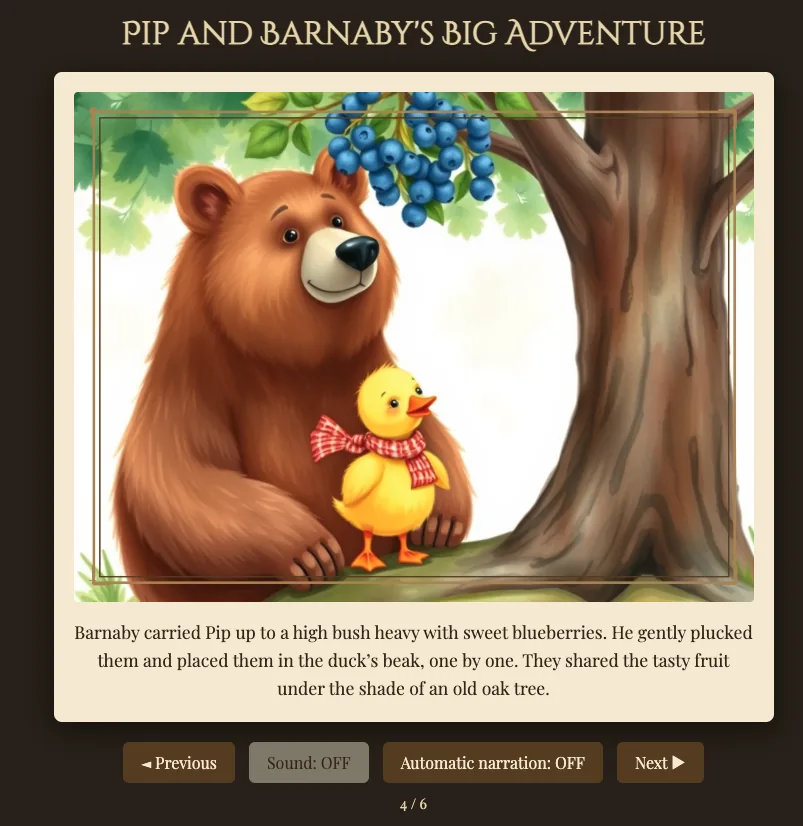
Illustrated fairy tales
A complete children's story with a picture on every page and narration, as a video and a flipbook.
"A fairy tale about a dragon who's afraid of the dark"
Video
Short videos generated locally from a text description, or from one of your images.
"A video of a cat playing piano"
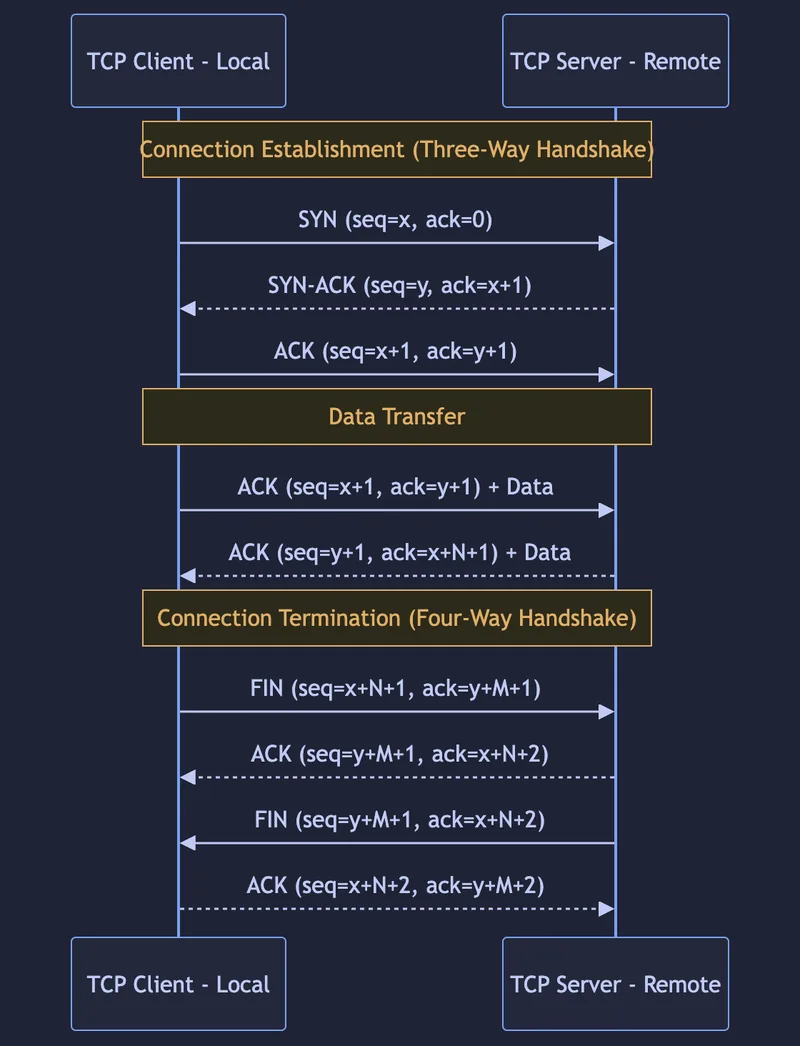
Diagrams, tables & QR codes
Flowcharts and architecture diagrams, comparison tables and QR codes, right in the chat.
"Draw a flowchart for the login process"
Work with your files & data
Drag a file into the chat and ask about it.
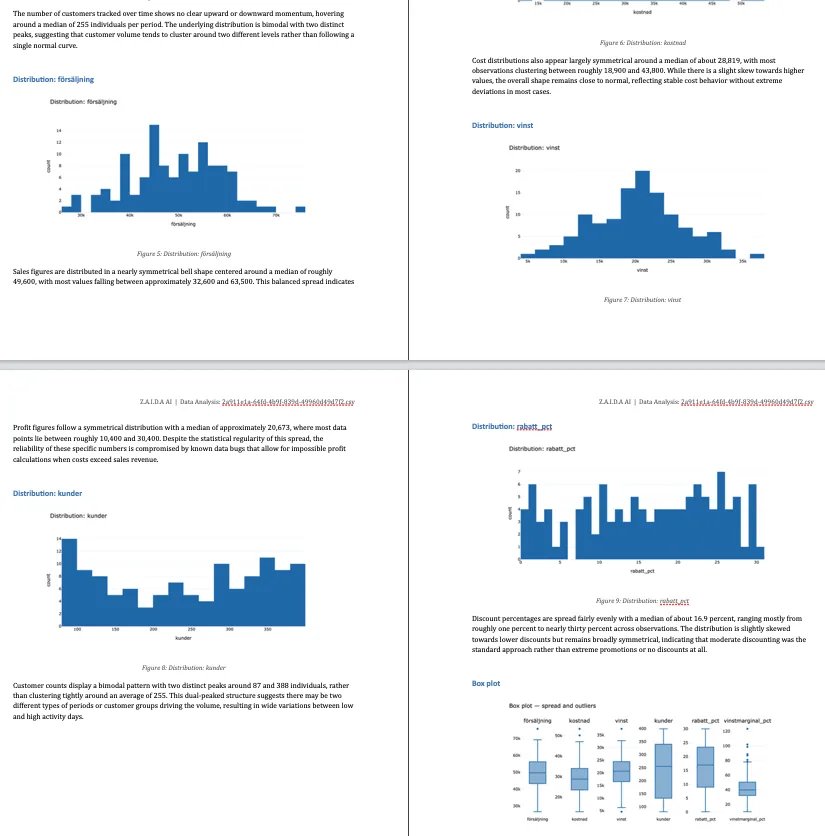
Data analysis
Upload CSV, Excel, JSON, TSV or Parquet and get interactive charts and trends, or a full Word report.
"Make a report of the sales data"
Chat with your documents
Ask questions about PDFs, Word files, spreadsheets and notes you've added.
"Summarize the contract"
Text review
Get a summary, or a full review with strengths and a rating, of any text document.
Semantic file search
Find files on your Mac by describing them. Searches names and contents.
"Find the PDF about the car"
File conversion & download sorting
Convert uploaded files, and tidy your Downloads folder automatically.
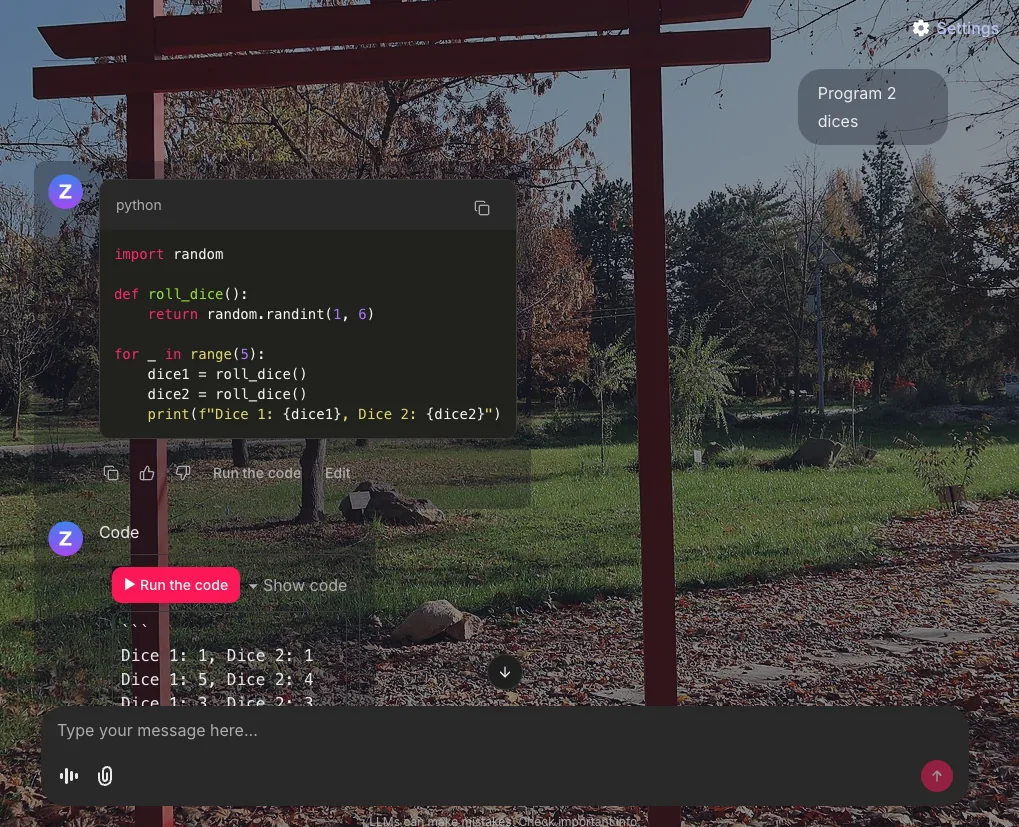
Code
Write, explain and debug code, and run Python in a sandbox for real results.
"Write a Python function that sorts a list"
Voice & languages
On-device speech recognition and natural voices for every interface language.
Voice control
Click the microphone and speak. Recording stops on its own when you're done.
Live interpreter
Translate a single phrase, or interpret a full two-person conversation between languages until you say stop.
"Interpret between English and German"
Meeting transcription & dictation
Record and transcribe meetings, or dictate letters and notes straight into a document.
Language tutor
Practise speaking a new language in conversation, or drill vocabulary with quizzes.
"Let's chat in Spanish"
Translation
Translate words and text between languages instantly.
Everyday assistant
The questions you ask every day, answered in one place.
Calendar & reminders
Create and read events and reminders in your Mac's Calendar and Reminders apps.
"Remind me to call Erik tomorrow at 3"
Email & messages
Write and send email with a preview first, sort your inbox into folders, and send iMessages.
Daily briefing
Weather, calendar, news, electricity price and reminders in one answer.
"Give me today's agenda"
Weather, news & prices
Forecasts, news and news digests, stock prices, currency rates and electricity prices.
Web search & price comparison
Search the web and Wikipedia, and compare product prices across stores in your country.
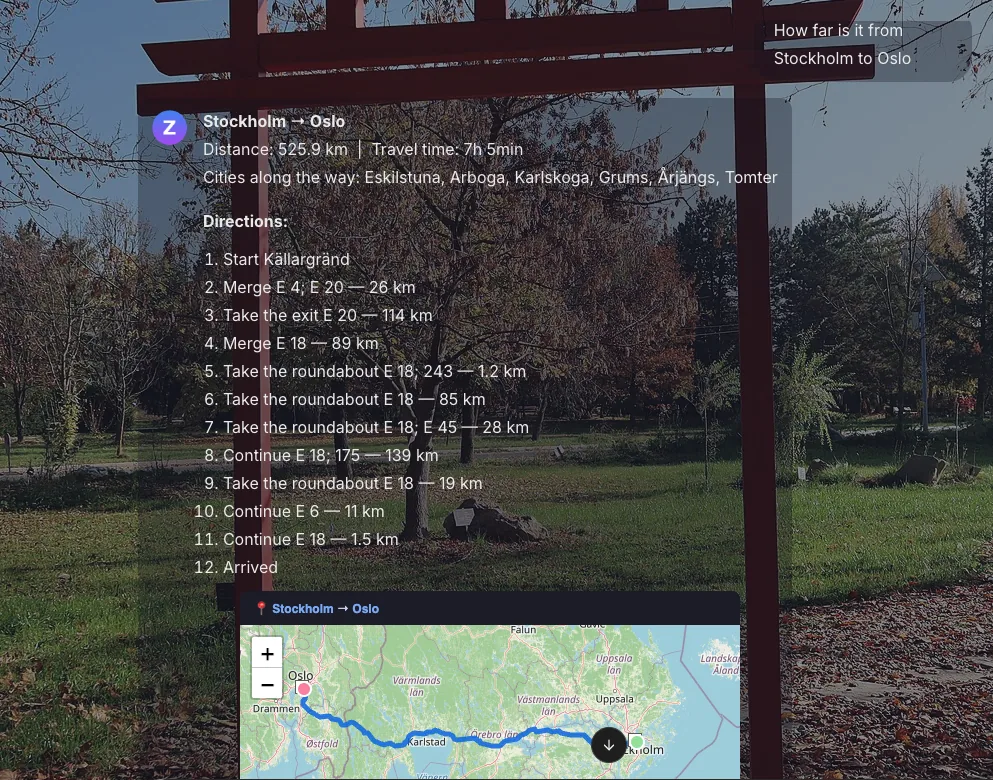
Maps & travel
Directions, nearby places, and flight, train and bus search with booking links.
Alerts & scheduled tasks
Get notified when a price crosses a threshold, or run recurring tasks on a schedule.
Memory
Remembers facts and preferences you tell it, across conversations.
"Remember that I'm vegetarian"
Recipes, fitness & more
Recipe ideas, training programs, unit conversion, a calculator, and YouTube search.
Your Mac & your home
Each of these is optional and needs your explicit permission in macOS first.
Computer control
Describe a task and Z.A.I.D.A sees the screen, then clicks and types to do it.
Screen analysis
Ask what's on your screen, or take and explain a screenshot.
Web automation
Drives a real browser to take screenshots of pages and carry out steps.
Smart home
Control lights and check status through Home Assistant, and see who's home.
"Dim the bedroom light to 50 percent"
Spotify & Bluetooth
Play and control music, and scan for or list Bluetooth devices.
Camera
Take a picture and have it analysed, including recognising faces you've registered.
System status
CPU, memory and disk usage, and which AI models are installed and in use.
Make it yours
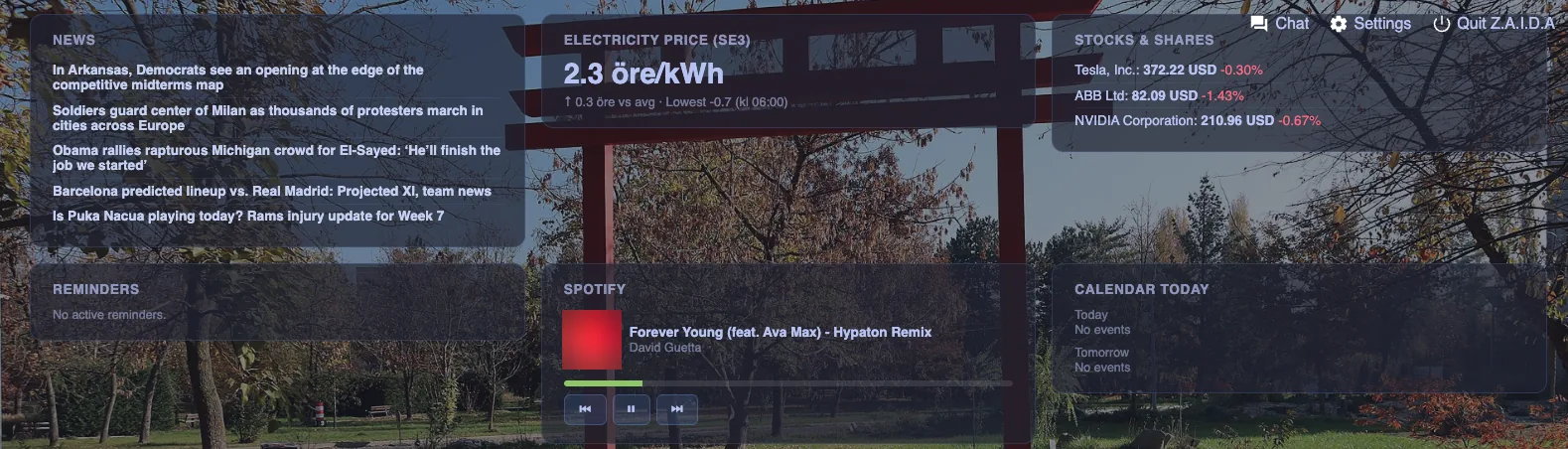
Dashboard
A live overview with clock, weather, news, stocks, calendar, smart home, a Pomodoro timer and more.
Games
Dozens of games in the chat, from Snake and 2048 to chess, Wordle and sudoku.
Themes
Choose a background theme: Old Japan, Jungle, Urban City, CyberPunk or Coast.
Any device at home
Open Z.A.I.D.A in the browser on your iPad or phone. There's no app to install.
Private by design. The AI models run on your Mac. Features that need fresh information, like web search, news or weather, fetch public data only when you ask for it.
Requires an Apple Silicon Mac (M-series) with at least 64GB unified memory and about 200GB free disk space. See the home page for pricing.